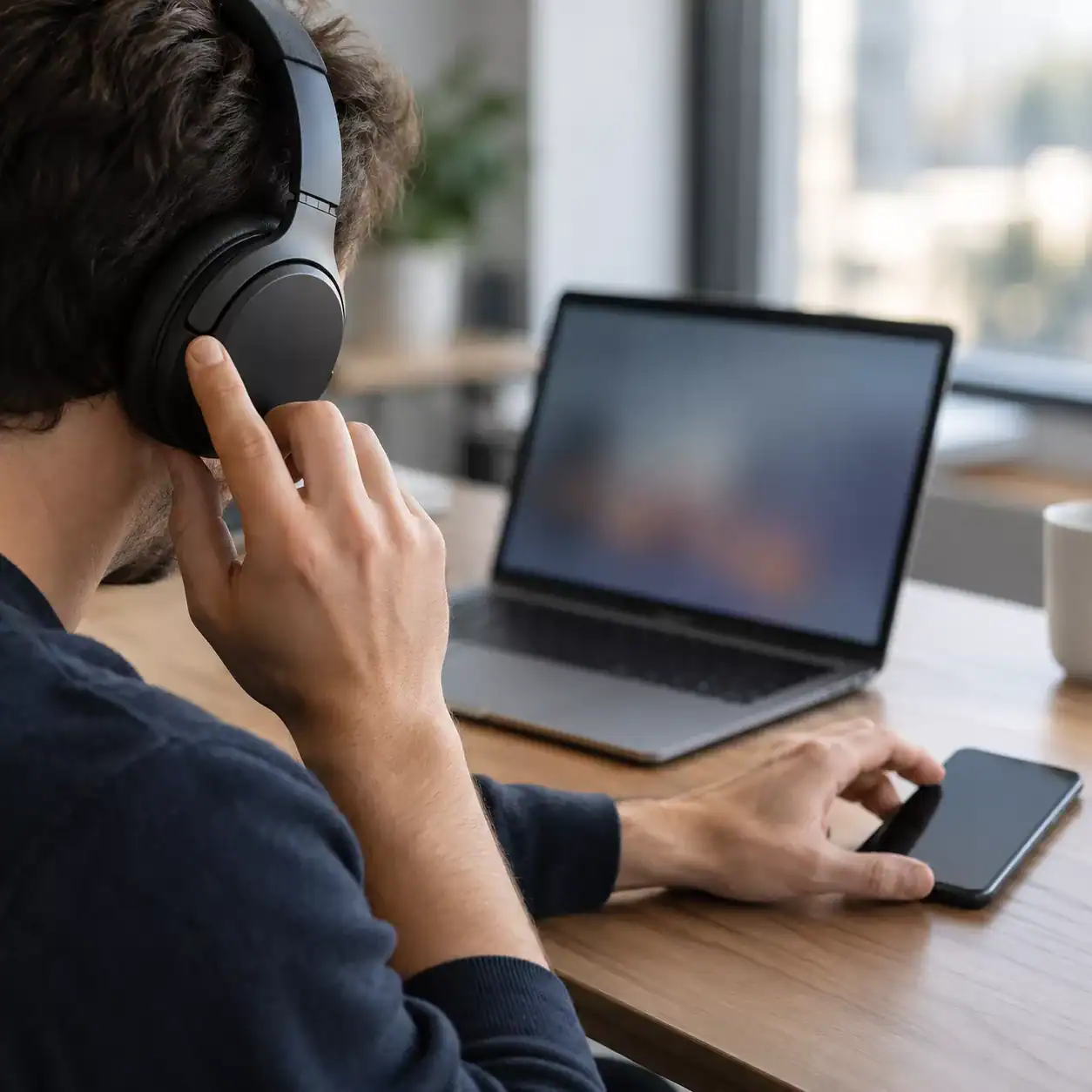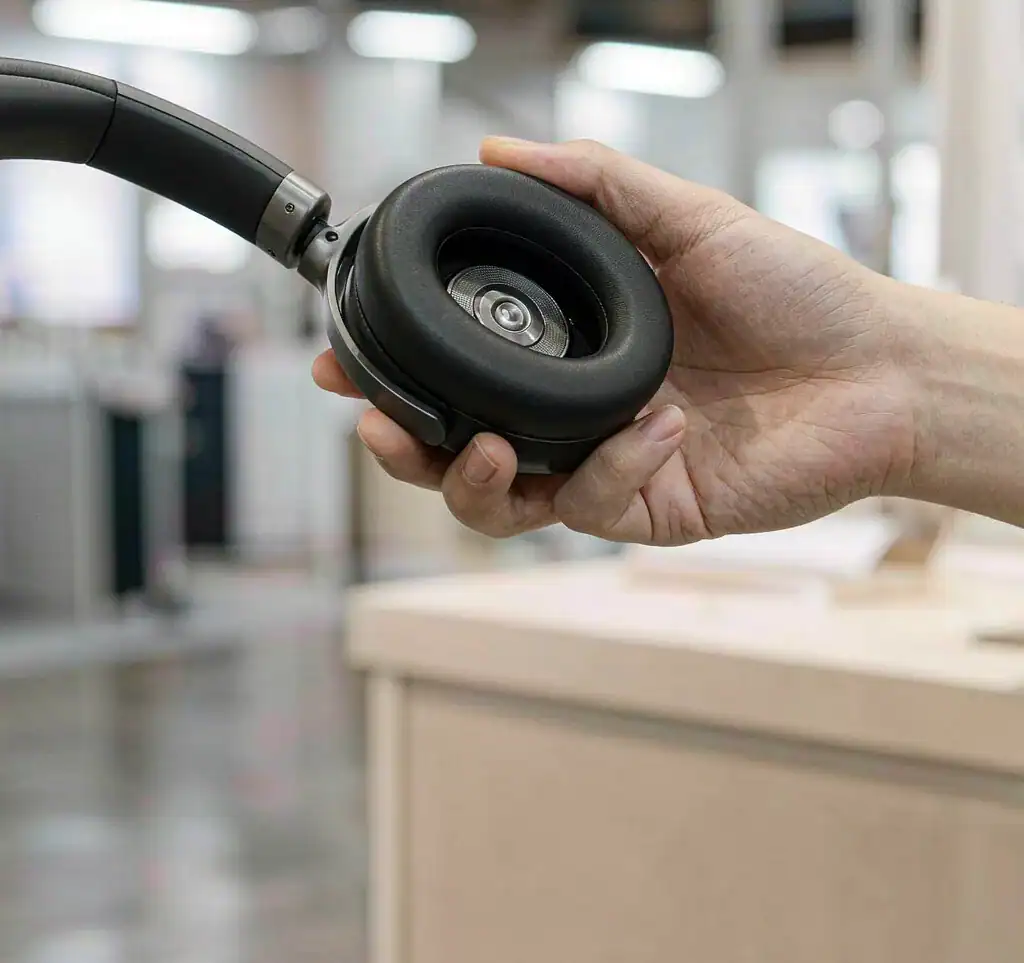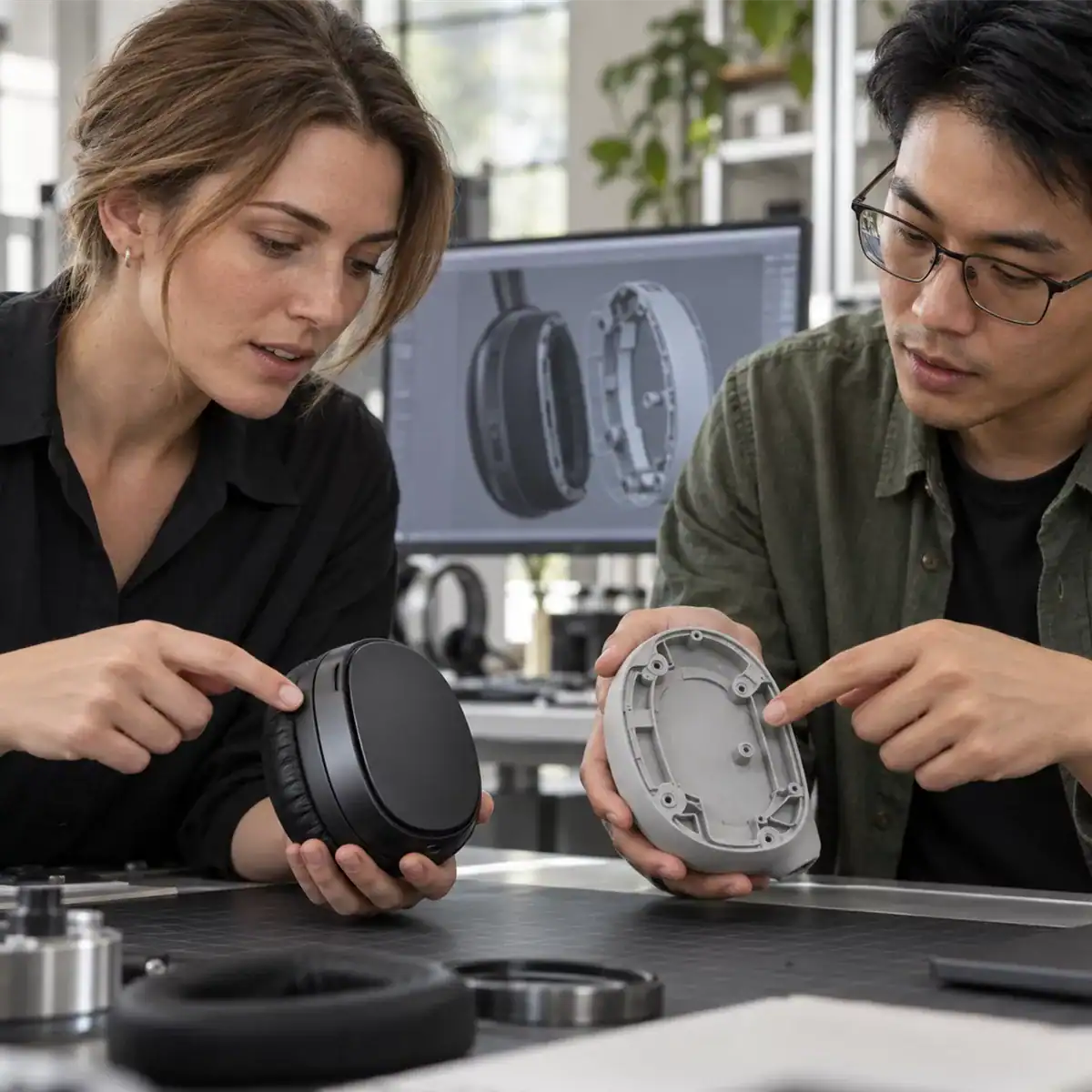
After receiving a headphone sample, buyers of office headphones may see "Multipoint Connection" in the specification sheet. But what they really want to know is simple: What happens when a phone call comes in while the computer is playing music or running a video meeting? After the call ends, will the computer audio resume automatically?
These questions cannot be answered by the specification sheet alone. You can find the answers through a practical test that takes about 30 minutes.
First, let's explain what multipoint connection means. It allows headphones to stay connected to two devices at the same time. The headphones can switch between them when needed, without disconnecting one device and reconnecting the other.
This is different from remembering multiple paired devices. Pairing memory only makes reconnection faster. Users still need to disconnect one device before connecting another.
Multipoint connection also does not mean playing audio from two devices at the same time. Usually, only one device plays audio through the headphones at a time. The headphones switch between the two audio sources when needed.
Step 1: Choose Your Device Combination Before Testing
Multipoint performance depends heavily on the two connected devices. For example, an iPhone connected to a Windows laptop may behave differently from an Android phone connected to a MacBook. The operating system versions can also affect the results.
Before testing, choose a device combination that your customers are likely to use. Record the models and operating system versions of both devices. Also record the headphone firmware version at the beginning of your test report.
Follow the connection order in the user manual. Usually, you connect the headphones to the computer first and then to the smartphone.
Also, make sure multipoint connection is enabled on the sample. Some headphones have this feature turned off by default. Users need to enable it manually in the companion app.
If you forget this step, you may only be testing a single Bluetooth connection.

Step 2: Test an Incoming Phone Call While the Computer Is Playing Audio
This is one of the most important tests for office headphones.
Play music or start a video meeting on the computer. Then ask a colleague to call your smartphone.
Check three things.
First, does the ringtone play through the headphones? Does the phone speaker also ring?
Second, what happens to the computer audio? Does it become quieter, pause, or continue playing?
Third, after answering the call, does the call use the headphone microphone? Can the person on the other end hear your voice clearly?
After ending the call, use a timer to check how long it takes for the computer audio to return.
Does the audio resume automatically? Do you need to press the play button? Or do you even need to reconnect the headphones through the Bluetooth settings?
Even major brands like Google explain in their instructions that users may need to tap the earbuds to resume playback after a call. This shows that manual audio recovery is also a possible design.
If buyers do not check this behavior in advance, some users may face unnecessary trouble because they do not know how the headphones work.
Step 3: Test Switching in the Opposite Direction and When Both Devices Are Idle
Next, test the opposite situation.
Play a podcast on the smartphone. Then play a video on the computer or start a call through a meeting app. Check whether the headphones can switch smoothly between the devices.
After that, leave both devices connected but idle. Make a call to the smartphone and check where the ringtone plays. Does it come from the phone or the computer?
These situations may not happen often, but the switching behavior should be predictable. The headphones should behave consistently each time.
Step 4: Record the Results in a Simple Test Table
After testing, do not rely only on what you remember. Record the behavior and audio recovery time for each situation in a table.
| Test Scenario | What to Check | Expected Result |
|---|---|---|
| Phone call during computer audio playback | Ringtone location, computer audio behavior, call audio route | Ringtone plays through the headphones. Computer audio becomes quieter or pauses. The call uses the headphone microphone. |
| Ending a phone call | Audio recovery time and whether manual action is needed | Computer audio resumes within a few seconds, or the required button action is clearly explained. |
| Computer audio starts while the phone is playing audio | Switching in the opposite direction and audio recovery | Switching works as smoothly as in the first direction. |
| Incoming call when both devices are idle | Where the ringtone plays | Behavior is consistent and predictable every time. |
Manual audio recovery can be accepted in the test results, but the instructions must clearly explain which button to press and how many times.
If the acceptance criteria are unclear, they are not useful.
Step 5: Include Switching Behavior in the Acceptance Criteria
Do not simply write "Supports Multipoint Connection" in the specification sheet. Describe the actual use case and include specific numbers.
For example, the headphones are connected to a computer and a smartphone at the same time.
While the computer is playing audio, a phone call comes in. The ringtone plays through the headphones, and the computer audio automatically becomes quieter or pauses.
During the call, the headphone microphone is used. After the call ends, the computer audio should resume automatically within 5 seconds. Users can also press the play button once to resume playback manually.
Acceptance criteria should describe specific actions and behavior, not just the feature name.
Also, ask the headphone manufacturer two questions.
First, is multipoint connection supported directly by the Bluetooth chipset, or is it implemented through firmware?
Second, which device combinations have been tested before shipment? Can the manufacturer provide a list of these combinations?
If the switching behavior depends on firmware, future firmware updates may change how the headphones work. This is also why it is important to confirm the firmware version before mass production.
For more information about call quality testing and acceptance, see our related article.
During the sample evaluation stage, you can send your device combinations, office use cases, and test table to SONUN.
We can test the headphones using your device combinations and provide the firmware version with the test results.
This turns "Multipoint Connection" from a simple line in the specification sheet into a test record that can be checked and repeated.